
Key Features
-
Instant Shortcode Deployment: Display the tool anywhere using
[ip_checker]. -
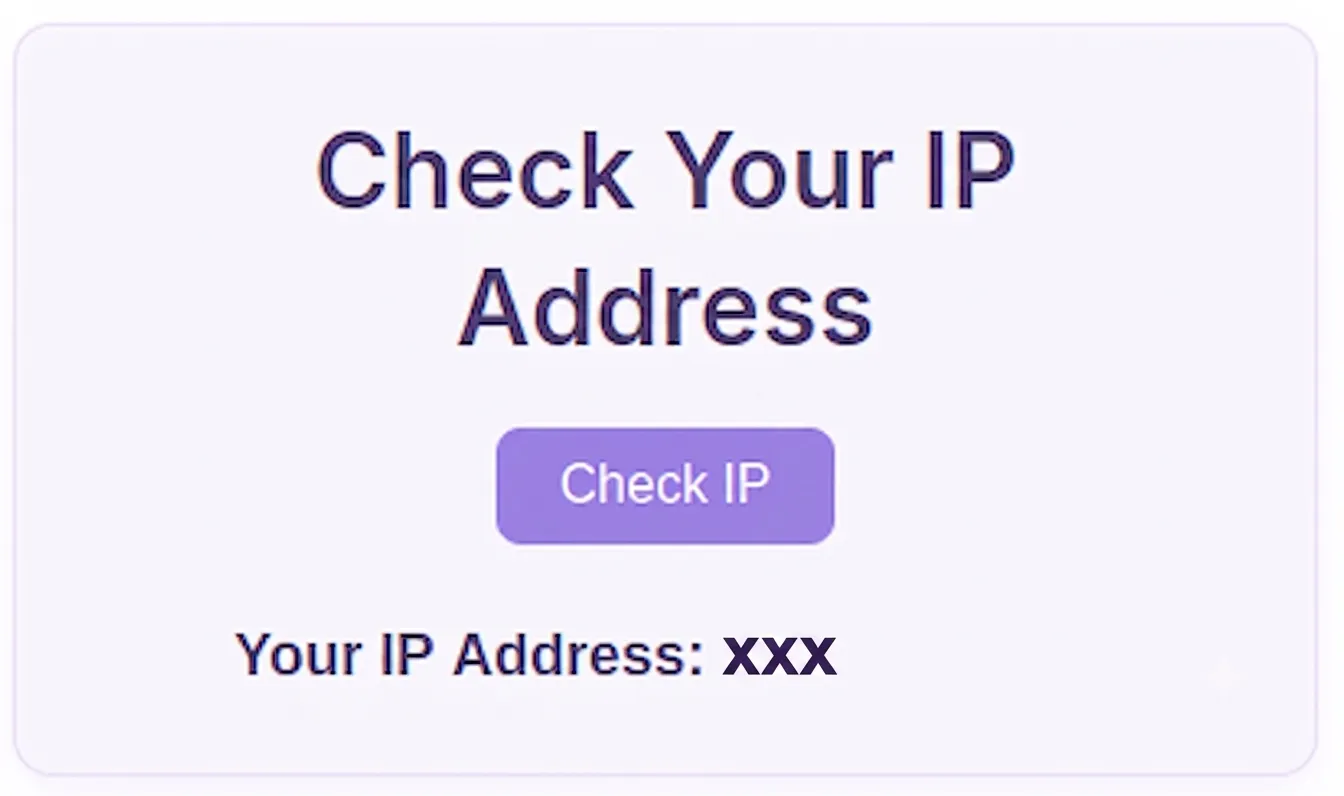
Asynchronous AJAX Execution: Retrieves IP addresses in real time without refreshing the page.
-
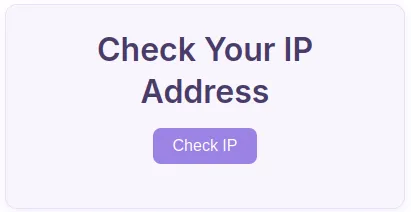
Soft Purple Aesthetic: Pre-styled visual layout using soft lavender hues (
#9b82e3) and dark violet typography. -
Native WordPress Architecture: Built using standard
admin-ajax.phpendpoints for optimal security and reliability.
Ideal For
-
VPN & Security Websites: Allowing users to verify if their VPN connection is active.
-
Network & Web Utility Portals: Adding diagnostic tools for IT professionals and general visitors.
-
Developer Dashboards: Incorporating quick utility widgets into client portals.
Key Benefits
-
Ultra Lightweight: Minimal codebase ensures zero performance impact on page load times.
-
No External Dependencies: Operates entirely within your WordPress installation without third-party API limits.
-
Encapsulated Design: Inline CSS isolates styles to prevent layout conflicts with your active theme.
Installation Guide
You can set up this snippet in a few simple steps:
Method 1: Using the Code Snippets Plugin (Recommended)
-
Install and activate the Code Snippets plugin from the WordPress plugin directory.
-
Go to Snippets > Add New in your WordPress dashboard.
-
Title your snippet (e.g., IP Checker) and select PHP Snippet.
-
Paste the complete PHP code into the editor.
-
Click Save Changes and Activate.
Method 2: Via Theme functions.php
-
Navigate to Appearance > Theme File Editor in your dashboard (or access via FTP/cPanel).
-
Open the
functions.phpfile of your active Child Theme. -
Paste the code at the bottom of the file and insert your API Key.
-
Click Update File.
How to Display the Tool on Your Site:
Simply place the following shortcode on any Page, Post, or Widget:
[ip_checker]Compatibility
-
WordPress: Version 5.0 and above.
-
PHP: 7.4 through 8.3+.
-
Browsers: Chrome, Firefox, Safari, Edge, and Opera.
What You Will Get
-
Complete PHP backend functions for handling shortcodes and AJAX requests.
-
Integrated front-end HTML/CSS interface styled in soft purple.
-
High-resolution IPC (Internet Protocol Checker) logo graphic.
FAQ (Frequently Asked Questions)
-
Q: Does this snippet store IP addresses in the database?
-
A:No. It only fetches the visitor’s IP address on demand and displays it dynamically without logging data.
-
-
Q: Can I customize the styling?
-
A: Yes. You can edit the hex color values directly within the
<style>block to match your site’s branding.
-
Disclaimers & Notes
- If your website is behind a reverse proxy (such as Cloudflare or a load balancer), ensure your server configuration passes
$_SERVER['REMOTE_ADDR']correctly to reflect true client IPs.
Preview





Reviews
There are no reviews yet.